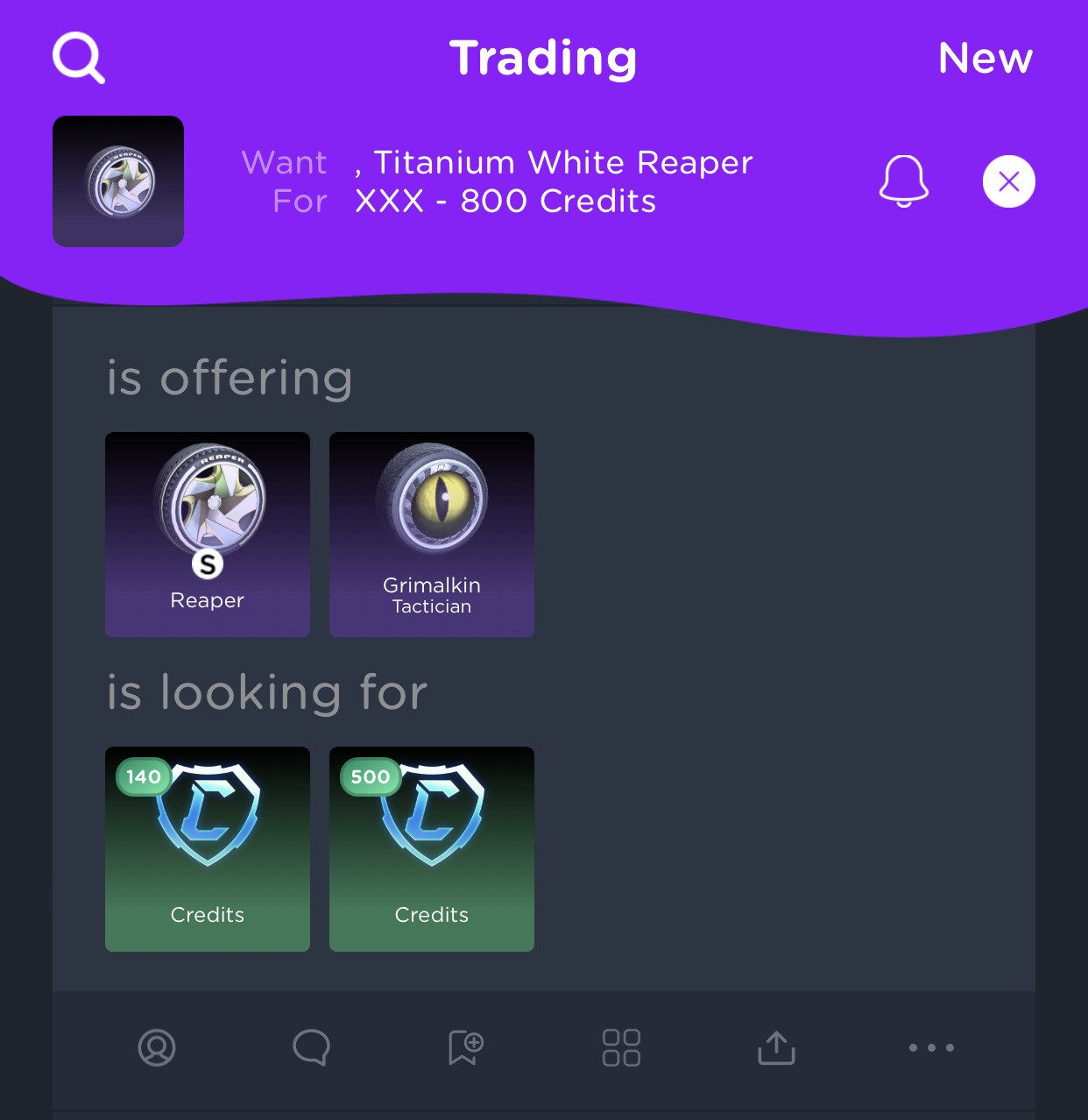
When you're experiencing issues finding painted items in trades with the trade filter, make sure to use the "magnifier" icon on the trading tab. Do not search items by going through the item details popup for now. A fix for this issue will be pushed soon as well.
I tried, didn’t work. But i found what’s happening. It automatically includes unpainted in the search (I noticed a little comma before TW) , so i selected none, then clicked again to remove it, and chose a color. It worked. So it’s automatically adding none to the search.
This site is a community project. Advertising pays for the servers, the item renders and the development. Allowing ads on rocket-league.com keeps it running and costs you nothing.
Rather see no ads at all? Premium removes them completely and funds the site directly.
vicegold
Please let me know if that helps.
Afateer